Add Tag in GHL
Tags the contact in GHL. Used to trigger workflows, segment leads, or mark outcomes such as "booked" or "opt out." The agent must pass the person's name, phone, and email at runtime. This uses the connected GoHighLevel location directly, with no separate webhook or endpoint setup needed.
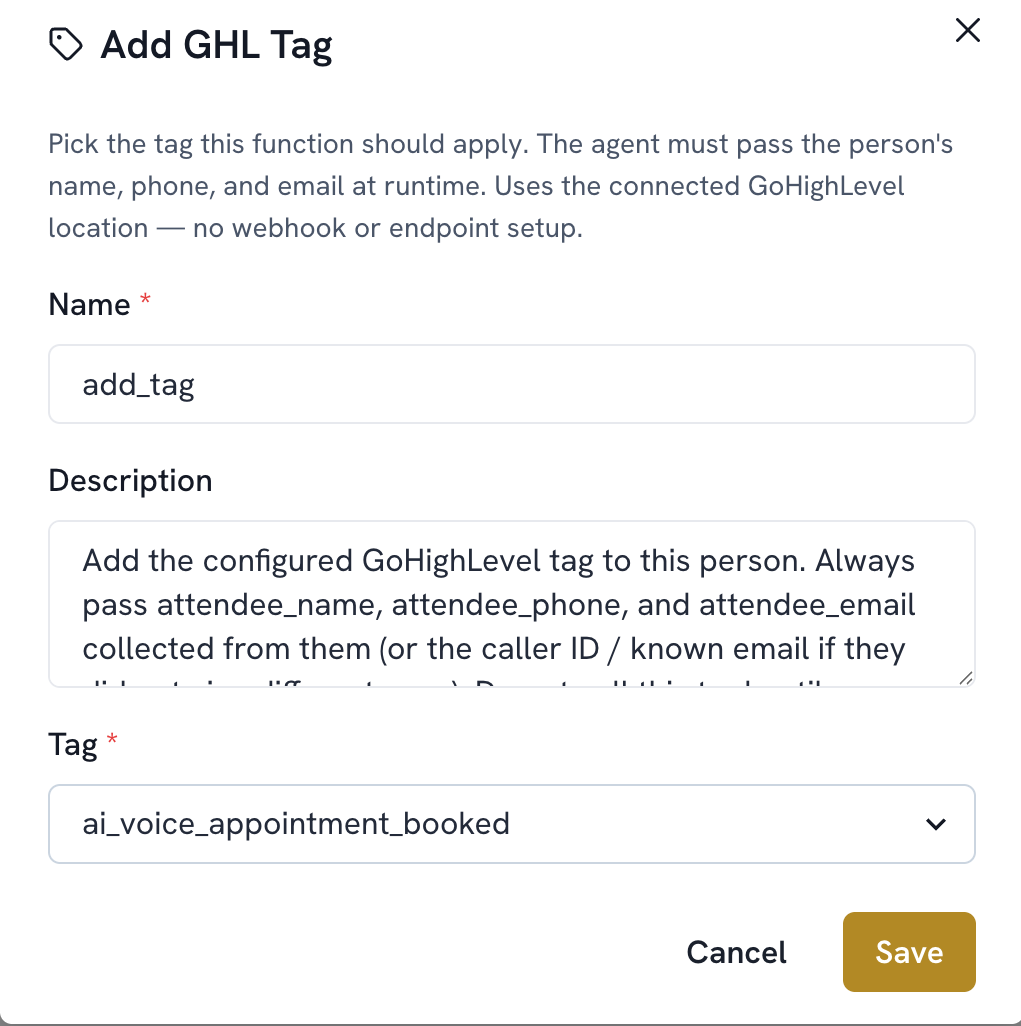
Add a function. Select Add GHL Tag
The name is filled in automatically (add_tag)
Select the Tag from the dropdown. It's automatically populated with every tag already set up in GoHighLevel
Save