Check Appointment Availability
Looks up real open slots on the connected calendar before the agent offers any time to the caller. This should always run before the agent says a specific day or time out loud.
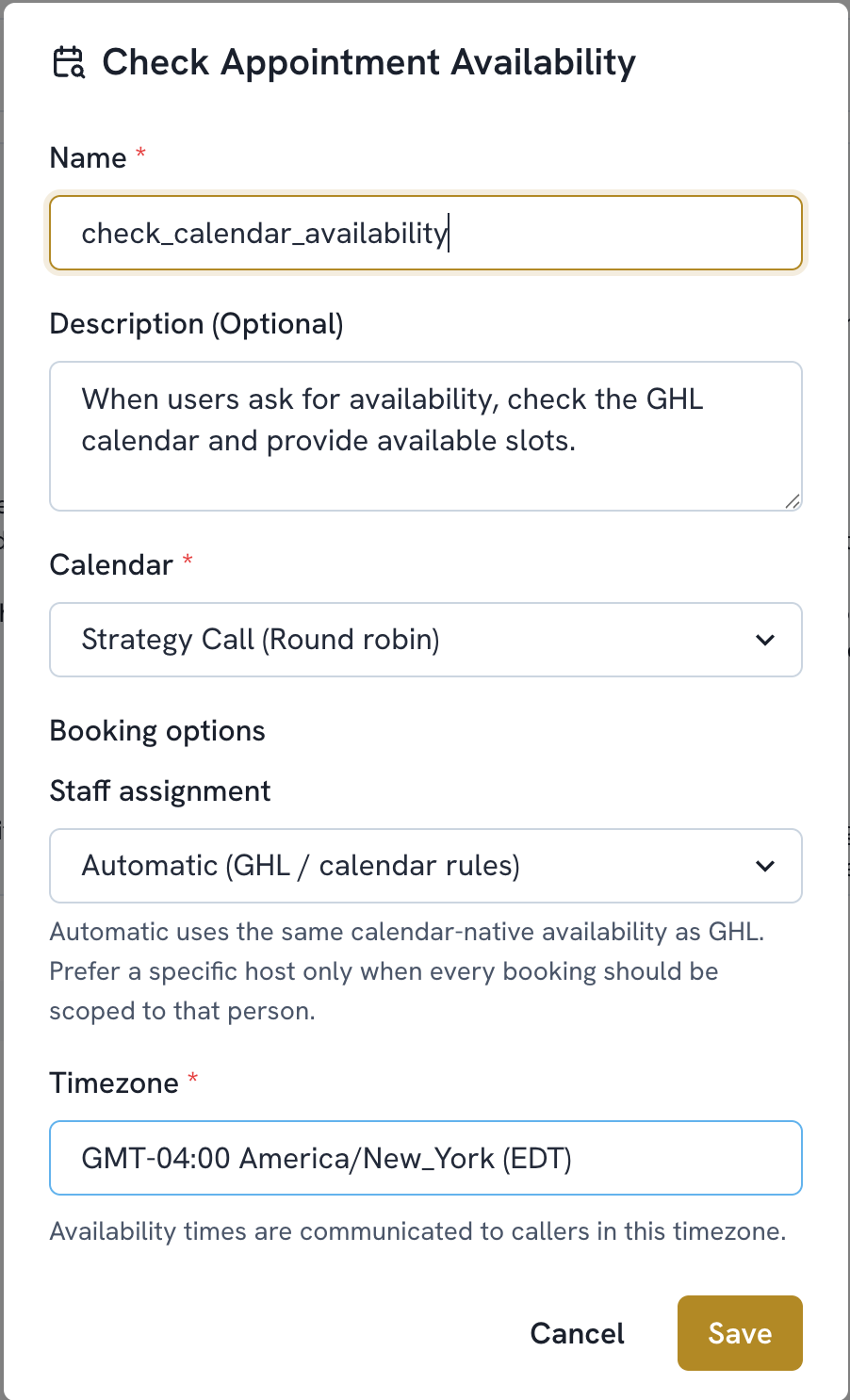
Add a function. Select Check Appointment Availability.
The name is filled in automatically (check_calendar_availability). Optionally add a Description to guide when the agent should use it.
Choose the Calendar to check.
Set Staff Assignment. Automatic uses the same calendar native availability as GHL. Choose a specific host only when every booking should be scoped to that person.
Set the Timezone. This is the timezone in which availability will be communicated to callers.
Save