Cancel Appointment
Cancels an existing booked appointment. The agent must collect the caller's phone number, email, and the appointment date and time before cancelling. This uses the connected calendar directly, with no separate webhook or endpoint setup needed.
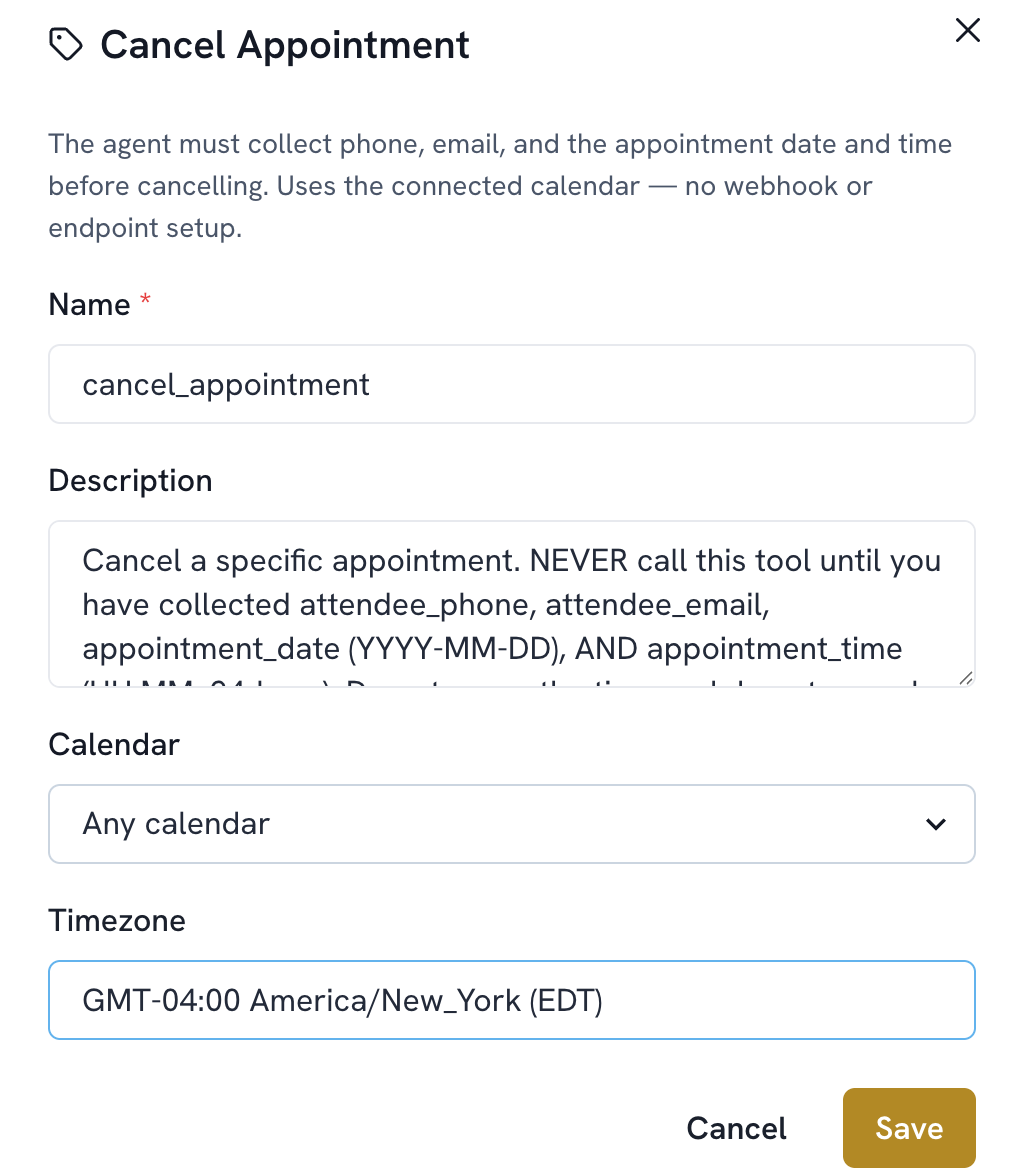
Add a function. Select Cancel Appointment.
The name is filled in automatically (cancel_appointment). The default Description already includes the strict data the agent must collect first, phone, email, and appointment date and time, so it typically doesn't need editing.
Choose the Calendar, or leave it set to Any calendar to cancel from whichever calendar the appointment is actually on.
Set the Timezone.
Save.