Remove GHL Tag
Removes a tag from the contact in GHL. Used to undo a status or take them out of a segment. The agent must pass the person's name, phone, and email at runtime. This uses the connected GoHighLevel location directly, with no separate webhook or endpoint setup needed.
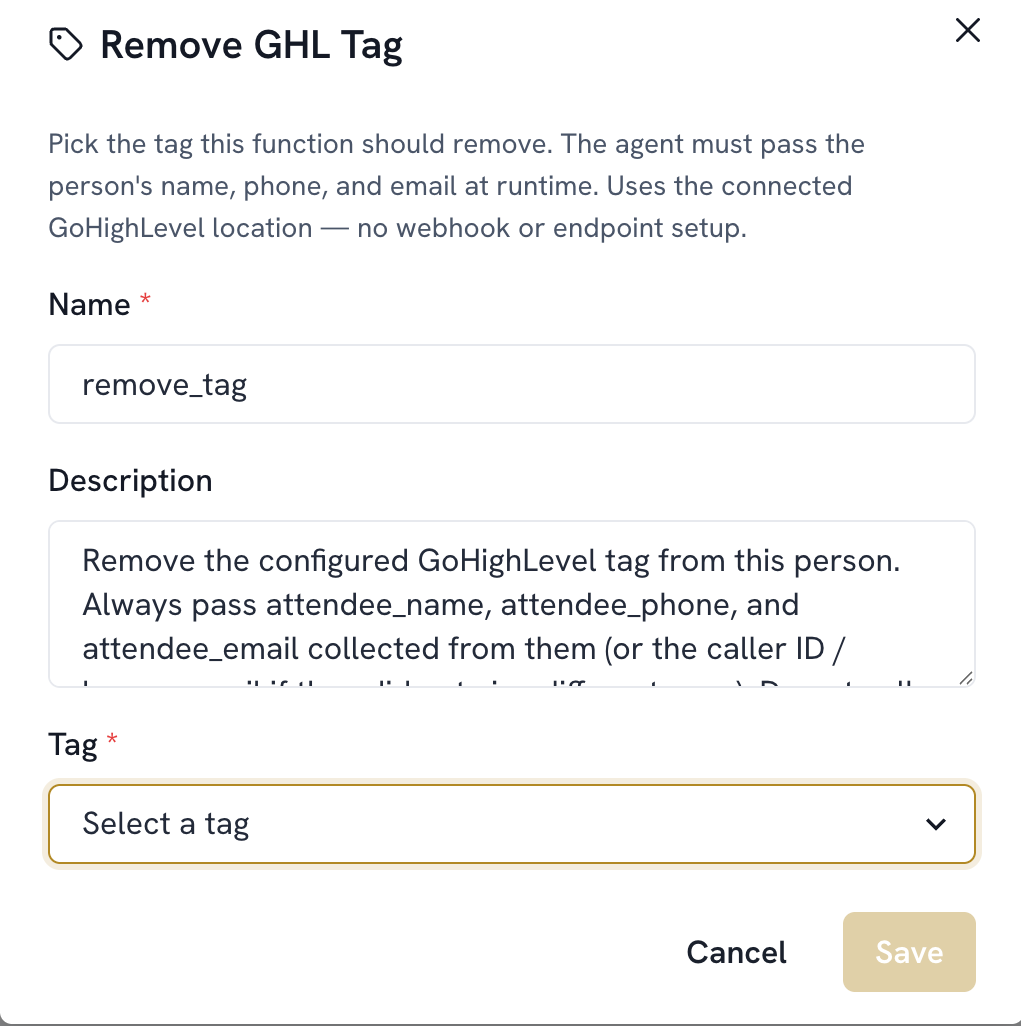
Add a function. Select Remove GHL Tag
The name is filled in automatically (remove_tag)
Select the Tag from the dropdown. It's automatically populated with every tag already set up in GoHighLevel, and it also lets you create a new tag if needed
Save