Update GHL Contact
Writes a value onto a contact's record in GHL. Useful for capturing info the agent collects mid call, like a spouse's name or a confirmed address.
The agent identifies the contact by name, phone, or email, then updates standard fields: first_name, last_name, email, phone, address, city, state, postal_code, country, company_name, or website. No webhook or endpoint setup needed.
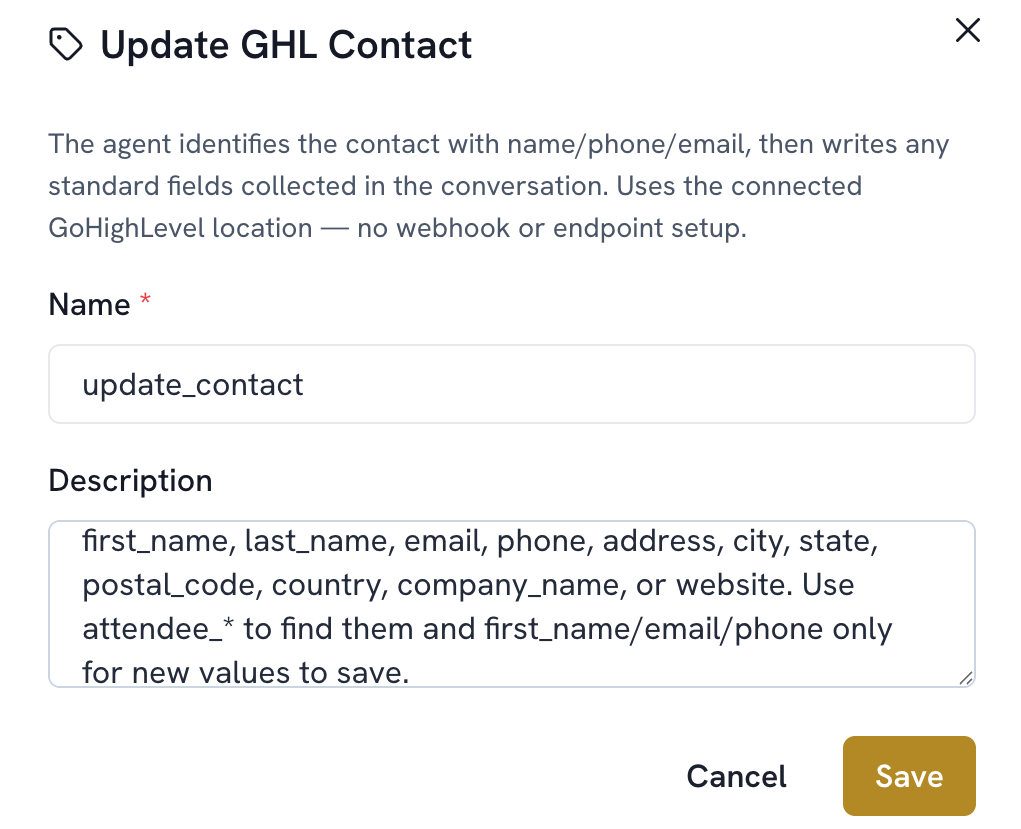
Add a function. Select Update GHL Contact.
Name and Description are filled in automatically and typically don't need editing.
Save.